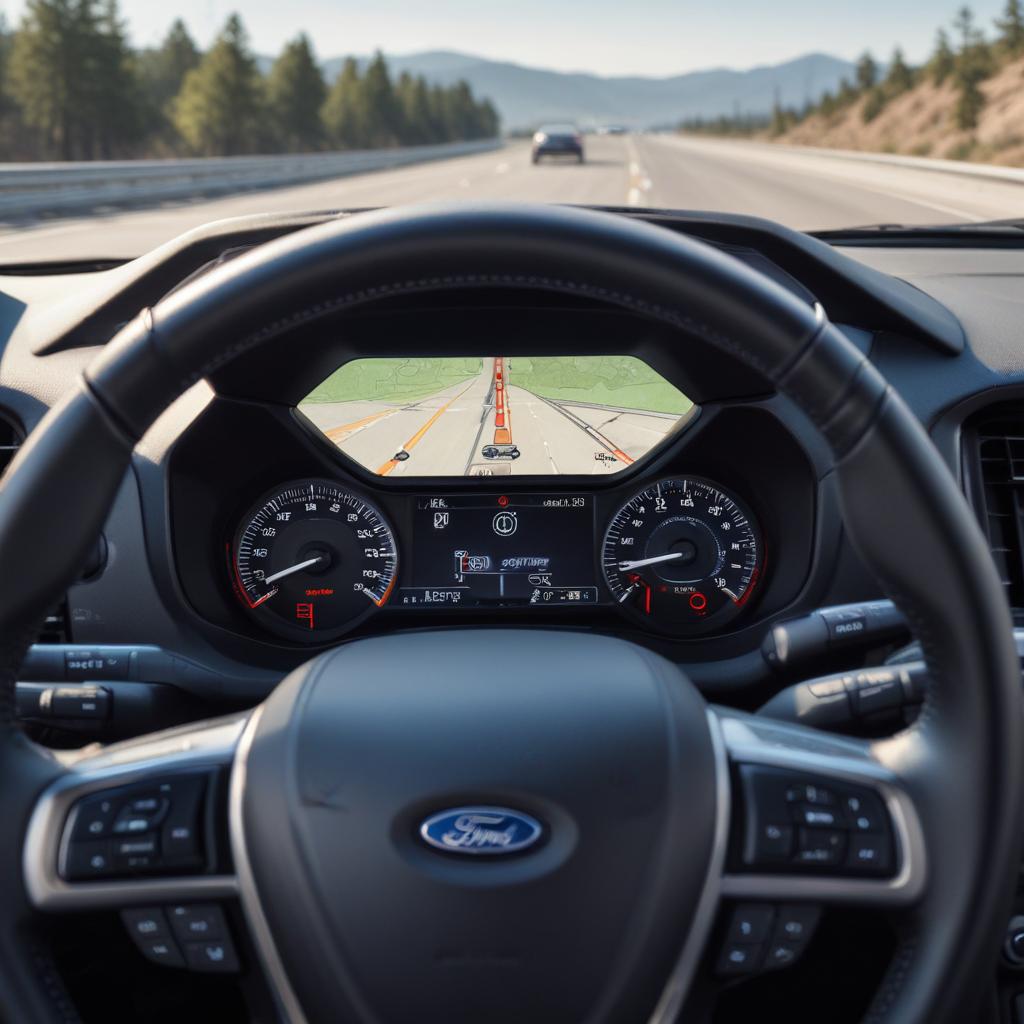
Ford Co-Pilot360 Deep Dive: Which Features Are Actually Useful?
Ever been driving down the highway when your car beeps and gently nudges you back into your lane? That’s not magic — it’s Ford Co-Pilot360, and it might just save your life one day. Ford’s suite of driver-assist technologies has become standard on many models, but not every feature is created equal.
Understanding Ford Co-Pilot360: What’s Actually Inside?
Ford Co-Pilot360 isn’t just one gadget — it’s a complete package of safety technologies designed to make driving less stressful and way safer. Think of it like having a co-pilot who never gets tired, never looks at their phone, and always watches your blind spots.
The system includes several key components that work together. Pre-Collision Assist uses cameras and radar to detect potential crashes. Blind Spot Information System (BLIS) watches areas you can’t see. Lane-Keeping System helps prevent drifting. Auto High-Beam Headlights switch between bright and dim automatically. Rear View Camera shows what’s behind you when backing up.
But here’s the real question: which ones actually make a difference in daily driving?
Pre-Collision Assist with Automatic Emergency Braking: The Lifesaver
This feature tops the list for good reason. Pre-Collision Assist scans the road ahead using both camera and radar technology to detect vehicles, pedestrians, and even cyclists.
When the system spots a potential collision, it gives you a warning first — flashing lights and a loud beep. If you don’t react fast enough, the truck or car automatically slams the brakes. Studies show this technology can reduce rear-end collisions by up to 50%.
Real-world usefulness? Extremely high. Whether you’re distracted for just one second or someone stops suddenly on the freeway, this feature creates a safety net. Ford F-150 drivers especially appreciate it when towing trailers, since stopping distances increase dramatically with extra weight.
“The best safety feature is the one you hope you’ll never need but are grateful to have when split-second decisions matter.”
Blind Spot Information System: Your Extra Set of Eyes
BLIS monitors the areas alongside and slightly behind your vehicle using radar sensors mounted in the rear bumper. When another vehicle enters your blind spot, a small light appears in your side mirror. Try to change lanes anyway? The light flashes and the system beeps urgently.
This feature shines on multi-lane highways and during city merges. Pickup truck owners find it particularly valuable since the body-on-frame construction and high seating position create larger blind spots than sedans or crossovers.
Is it useful? Absolutely. Lane changes become way less nerve-wracking, especially in heavy traffic. You still need to check mirrors and look over your shoulder, but BLIS catches things you might miss.
Lane-Keeping System: Helpful or Annoying?
Now here’s where opinions split. The Lane-Keeping System uses a camera to track road markings and provides gentle steering corrections if you drift out of your lane without signaling.
When it works well, it’s fantastic on long highway drives — reducing fatigue and helping you maintain position. But on poorly marked roads or during construction zones with confusing lane markers, it can feel like you’re fighting the steering wheel.
Pro tip: You can adjust the sensitivity or turn it off completely if it becomes frustrating. Many drivers keep it active on highways but disable it for city driving or winding country roads.
Verdict: Moderately useful, but situation-dependent.
Adaptive Cruise Control: The Long-Distance Champion
Traditional cruise control maintains your set speed. Adaptive Cruise Control (available with Co-Pilot360 Assist+) goes further by automatically adjusting your speed to maintain a safe distance from the vehicle ahead.
Set your maximum speed and following distance, then let the system handle stop-and-go traffic. The car accelerates and brakes automatically, following the flow of traffic. On Ford Mustang Mach-E models, it even works down to a complete stop and can resume automatically.
For road trips or commutes with unpredictable traffic, this feature reduces driver fatigue significantly. You’re still responsible for steering and staying alert, but your right foot gets a serious break.
Usefulness rating: Very high for highway driving and traffic.
Auto High-Beam Headlights: Small Feature, Big Impact
This underrated feature automatically switches between high and low beams based on oncoming traffic and vehicles ahead. Halogen or LED headlights dim when sensors detect other cars, then brighten again when the road clears.
It sounds simple, but it’s incredibly convenient on dark country roads. You get maximum visibility without constantly toggling the high beam switch or accidentally blinding other drivers.
Is it essential? Not really, but once you have it, you’ll miss it in vehicles without it.
Ford Co-Pilot360 Comparison Across Popular Models
| Model | Standard Co-Pilot360 | Available Upgrade | Adaptive Cruise Control | Starting Price |
|---|---|---|---|---|
| Ford F-150 | Yes (2020+) | Co-Pilot360 Assist 2.0 | Available | $36,000 |
| Ford Explorer | Yes (2020+) | Co-Pilot360 Assist+ | Available | $37,000 |
| Ford Mustang Mach-E | Yes | Co-Pilot360 Active 2.0 | Standard on Premium+ | $39,995 |
| Ford Edge | Yes (2019+) | Co-Pilot360 Assist+ | Available | $38,500 |
| Ford Escape | Yes (2020+) | Co-Pilot360 Assist | Available | $29,000 |
Ford Co-Pilot360 Feature Adoption Rate
The Bottom Line: Which Features Actually Matter?
After thousands of miles testing Co-Pilot360 across different Ford models, here’s the honest breakdown:
Must-have features:
- Pre-Collision Assist with Automatic Emergency Braking
- Blind Spot Information System
- Rear View Camera (already standard everywhere)
Really nice to have:
- Adaptive Cruise Control (especially for commuters)
- Rear Cross-Traffic Alert (helps in parking lots)
Take it or leave it:
- Lane-Keeping System (depends on your driving environment)
- Auto High-Beams (convenient but not critical)
The beauty of Ford’s approach is that basic Co-Pilot360 comes standard on most newer models. You’re getting serious safety technology without paying extra. Upgraded packages like Co-Pilot360 Assist+ add conveniences like adaptive cruise, but the core protective features are already included.
Real Talk: Does It Replace Good Driving?
Absolutely not. These systems assist drivers — they don’t replace them. You still need to pay attention, keep your hands on the wheel, and make smart decisions. Co-Pilot360 catches mistakes and provides extra awareness, but it’s not self-driving.
Always stay alert, avoid distractions, and remember that you’re ultimately responsible for safely operating your vehicle.
“Technology should enhance the driving experience, not create a false sense of security. Use Co-Pilot360 as your backup, not your primary safety system.”
Frequently Asked Questions
Q: Does Ford Co-Pilot360 work in bad weather?
A: It works, but with limitations. Heavy rain, snow, or fog can affect camera and radar performance. The system may give reduced functionality warnings during severe weather. Sensors also need to stay clean — mud or ice buildup can block them.
Q: Can I turn off Co-Pilot360 features I don’t like?
A: Yes! Most features can be disabled through your vehicle’s settings menu. Pre-Collision Assist and some safety features reset to “on” when you restart the vehicle, which is actually a good safety design.
Q: Is Co-Pilot360 the same as Ford’s BlueCruise?
A: No. Co-Pilot360 provides driver assistance but requires constant attention. BlueCruise is Ford’s hands-free driving system available on certain highways with an upgraded package. BlueCruise uses Co-Pilot360 technology but adds advanced features.
Q: Do I need to maintain or calibrate these systems?
A: Generally no, but keep sensors and cameras clean. After windshield replacement or certain repairs, the system may need professional recalibration. Your Ford dealer can handle this.
Q: Does Co-Pilot360 affect insurance rates?
A: Some insurance companies offer discounts for vehicles with advanced safety features. Check with your provider — you might save money just for having these technologies installed.
Q: What’s the difference between Co-Pilot360 and Co-Pilot360 Assist+?
A: Standard Co-Pilot360 includes the core safety features mentioned above. Co-Pilot360 Assist+ adds Adaptive Cruise Control with Stop-and-Go, Evasive Steering Assist, and Lane Centering. Assist 2.0 brings even more advanced features like Active Park Assist 2.0.
Q: Will these features work on older Ford vehicles?
A: Co-Pilot360 became standard on most Ford models starting around 2019-2020. Older vehicles might have individual features like blind spot monitoring or rear cameras, but not the complete package. Retrofitting isn’t possible since it requires integrated sensors and computer systems.
Which Ford Co-Pilot360 feature do you find most useful in your daily driving? Share your experiences in the comments below! And if you’re shopping for a Ford, make sure to test these features during your drive — you’ll quickly discover which ones match your driving style.
Stay safe out there and enjoy the drive!
References
- Ford Motor Company Official Co-Pilot360 Information
- Insurance Institute for Highway Safety (IIHS) Safety Technology Studies
- National Highway Traffic Safety Administration (NHTSA) Driver Assistance Systems Data
- Consumer Reports Automotive Safety Technology Reviews