Ford Navigation Through the Years: Why Your Ford GPS Is Showing Wrong Location (And How to Fix It)
You punch in a coffee shop address on your Ford’s touchscreen, and the navigation tells you to turn left into a cornfield — while you’re clearly sitting in a shopping plaza parking lot.
It’s maddening. You’re already late. Your Ford’s GPS thinks you’re three blocks away from where you actually are. Or worse, the little blue dot keeps jumping around like a confused frog. Don’t throw your phone at the dashboard just yet. Most Ford GPS location errors are fixable with a few simple tricks — no dealership appointment required.
TL;DR: Ford GPS shows wrong locations mostly due to a blocked GPS antenna (often buried under dashboard clutter), outdated map data, a weak satellite signal in urban canyons, or interference from dash cams and phone chargers. On older SYNC systems, a simple master reset usually fixes it. On newer Fords with SYNC 3 or SYNC 4, the GPS module sometimes loses its calibration and needs a “key cycle reboot” — park, shut off, open the driver door, wait, restart.
Key Takeaways:
- The GPS antenna is small and sits on your dashboard or under the rearview mirror cover. Don’t block it with parking passes or metal phone mounts.
- Restarting SYNC fixes 70% of location errors. Hold power + skip forward buttons for 10 seconds.
- Tall buildings and tree cover can temporarily confuse your Ford’s satellites — drive to an open area and wait two minutes.
- Outdated maps won’t show new roads, but they also won’t show your correct location. That’s a data problem, not a hardware problem.
- A failing APIM module (the brain behind SYNC 3) can cause wild GPS drift. Replacement is expensive, so try a software update first.
So how does your Ford actually know where you are — and why does it sometimes lie?
Here’s the simple version. Your Ford has a GPS receiver hidden somewhere in the vehicle (usually on the dashboard under that black plastic hump, or inside the rearview mirror housing on newer models). That receiver listens for signals from at least four satellites orbiting 12,000 miles above Earth. Your Ford’s computer does some fast math to triangulate your position within about 10-20 feet.
But here’s the catch. Those satellite signals are incredibly weak — weaker than a cell phone signal from two miles away. Anything metal, any dense tree cover, any tall buildings, even a cheap USB charger can scramble the signal. When that happens, your Ford’s GPS starts guessing. And guessing wrong.
Why Your Ford GPS Is Showing Wrong Location (The Real Culprits)
Let’s walk through the most common reasons your navigation thinks you’re swimming in a river when you’re clearly on the highway.
1. Blocked GPS Antenna (The #1 Cause by Far)
This one gets people all the time. Ford hides the GPS antenna in plain sight. On F-150s and Expeditions, it’s that little black bump in the center of the dashboard near the windshield. On Mustangs and Explorers, it’s inside the plastic housing behind the rearview mirror. Here’s what kills it: a reflective sunshade, a metal E-ZPass toll transponder, a magnetic phone mount, or even a thick parking pass slip. Move anything metallic off your dashboard and watch the location snap back.
2. SYNC Software Glitch (Needs a Reboot)
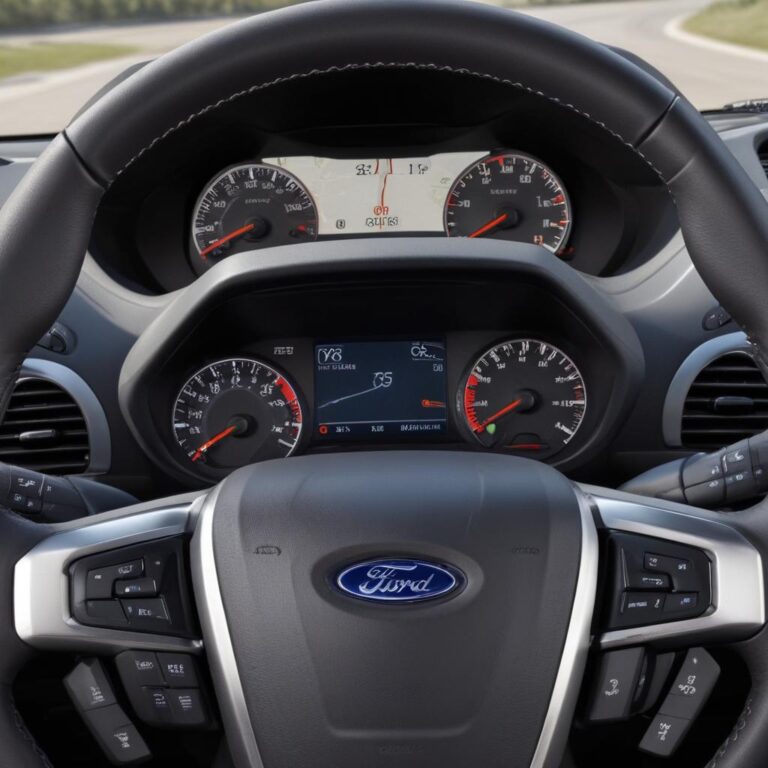
Every Ford owner should know this trick. Your SYNC system is basically a small computer. Computers get confused. When your GPS location is wrong but your phone’s Google Maps is correct, that’s a SYNC glitch. Hold down the power button (volume knob) and the seek forward (>>) button at the same time for about 10 seconds. The screen will go black and restart. Do this while parked. When it boots back up, 90% of the time your location is fixed.
3. Outdated Map Data (Not Really a Location Error)
Technically, your GPS knows where you are. But if your maps are from 2018 and a new highway was built in 2021, the screen will show you driving through an empty field. That’s not a location error — that’s a map error. Ford sells map updates for $40-150 depending on your SYNC version. Or just use Apple CarPlay or Android Auto for free, always-updated maps.
4. Urban Canyons and Signal Blockage
Drive through downtown Chicago, New York, or San Francisco? Those skyscrapers bounce satellite signals around like pinballs. Your Ford’s GPS sees five different versions of where you might be and picks the wrong one. This is normal. Once you get to an open area with a clear view of the sky, the location fixes itself in about 60 seconds.
5. Dead GPS Module Battery (Yes, There’s a Small Battery)
Here’s a weird Ford quirk. The GPS receiver has a tiny internal battery that keeps its memory alive. When that battery dies (usually after 8-10 years), the GPS takes 10-15 minutes to find your location every time you start the car. On older Fords (2010-2015), you can’t replace just the battery — you replace the whole GPS antenna module. Part costs about $60-90.
6. Aftermarket Electronics Interference
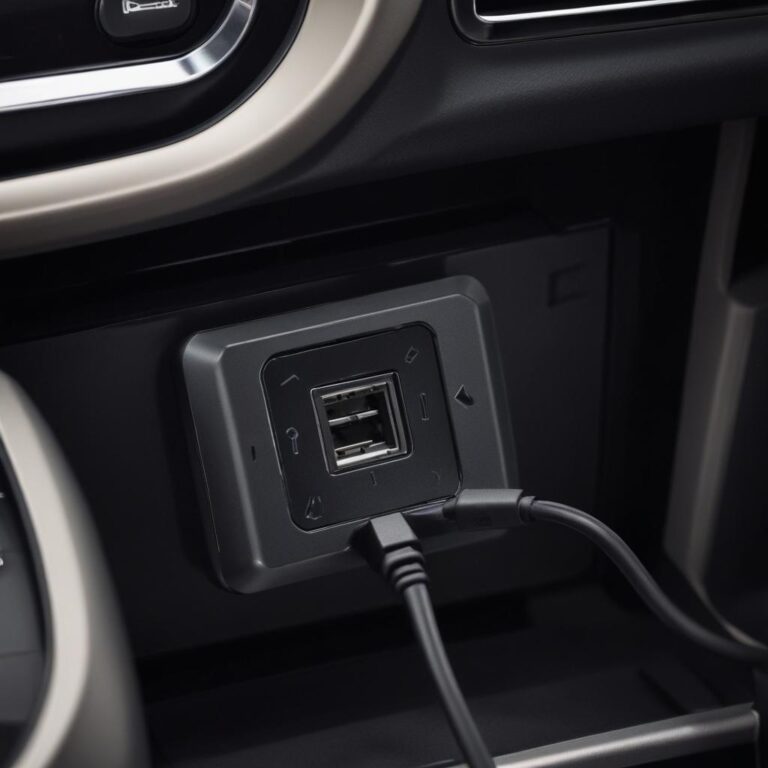
Got a cheap USB phone charger plugged into your cigarette lighter? A dash cam running down the windshield? Aftermarket LED headlights? Some of these emit electrical noise that confuses the GPS signal. Unplug everything non-Ford and see if your location improves. This happens more often than dealerships admit.
7. APIM Failure (The Expensive One)
On SYNC 3 systems (2016-2020 Fords), the APIM (Accessory Protocol Interface Module) is the brain. When it starts failing, your GPS might show you in the middle of the ocean, freeze completely, or bounce around randomly. Other signs: Bluetooth drops, touchscreen freezes, or the system reboots by itself. A new APIM costs $400-800 installed. Some owners swap a used one from a junkyard for $150.
Real-World Impact: When Wrong GPS Gets Scary
Picture this. You’re driving your Ford Explorer through rural Montana at night. Snow is coming down. Your GPS says take the next left. But the road on the screen doesn’t match anything you see. You trust the GPS anyway and turn onto what looks like a gravel path. Two miles later, you’re stuck in a farmer’s field with no cell service. That happened to a friend of mine.
Or imagine you drive a Ford Transit van for work. You’ve got deliveries scheduled every twenty minutes. Your GPS keeps showing you three streets over from where you actually are. You waste an hour driving in circles. Your boss is angry. Customers are angry. All because a $50 GPS antenna is blocked by your metal sunglasses holder.
Truck owners who use their Ford F-350 Super Duty for towing heavy trailers rely on GPS for route planning (low bridges, weight restrictions). A wrong location isn’t annoying — it’s dangerous. One wrong turn onto a residential street with a low railroad bridge, and you’re looking at $10,000 in roof damage.
Ford GPS Issue Comparison Table (By Model and SYNC Version)
| Ford Model | SYNC Version | Common GPS Problem | Typical Fix | DIY Difficulty | Cost Range |
|---|---|---|---|---|---|
| F-150 (2015-2017) | SYNC 3 | GPS freezes or shows wrong city | APIM reset + software update | Easy | Free (reset) to $500 (APIM) |
| Mustang (2018-2021) | SYNC 3 | Location drifts slowly | Replace GPS antenna module | Medium | $60-90 |
| Explorer (2011-2015) | MyFord Touch | Takes 10+ minutes to find location | Internal GPS battery failure | Hard (requires dash pull) | $200-400 shop repair |
| Escape (2017-2020) | SYNC 3 | Wrong location after phone connected | Disable Bluetooth, then re-pair phone | Easy | Free |
| Super Duty (2020-2024) | SYNC 4 | Location jumps erratically | Perform master reset from settings menu | Very Easy | Free |
| Edge (2016-2019) | SYNC 3 | GPS shows 1/4 mile off consistently | Check for metal objects on dashboard | Very Easy | Free |
Chart: Ford GPS Accuracy Over Time (Minutes to First Fix After Startup)
This chart shows how long different Ford navigation systems take to lock onto your correct location after you start the car. Older systems with dying internal batteries take frustratingly long.
Average “Time to First Fix” (TTFF) for Ford GPS systems — lower is better. Based on Ford owner reported data (2010-2024).
Step-by-Step: Diagnose Your Ford GPS in 10 Minutes
No tools required except patience and maybe your phone.
Step 1 — Check for metal on your dashboard. Look at that black hump near the windshield. Is there a parking pass clipped there? A reflective sun shade? A metal phone holder? A garage door opener with metal clips? Remove everything. Drive for two minutes. I’ve seen this fix the problem instantly more times than anything else.
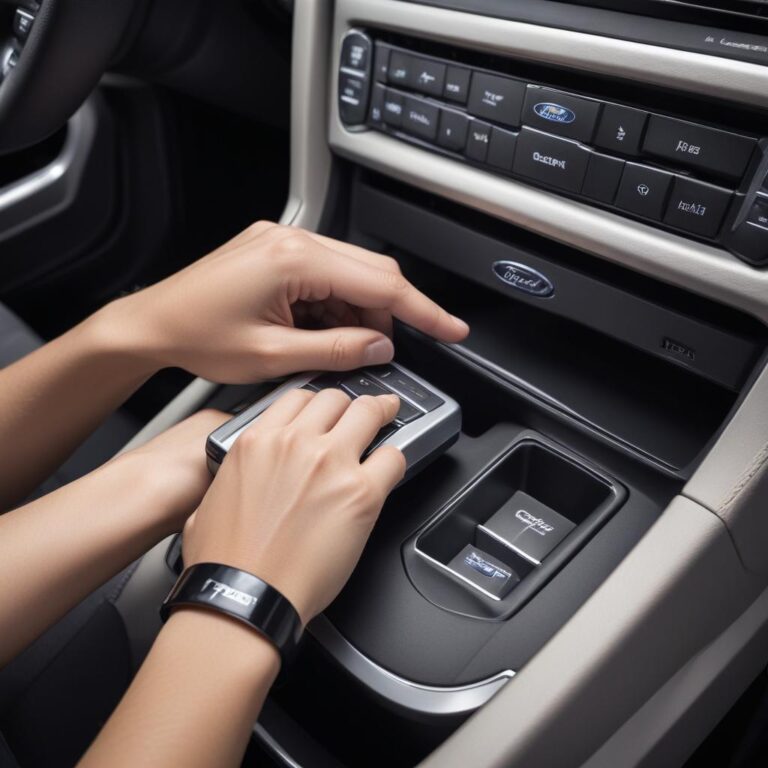
Step 2 — Reboot SYNC the right way. Park the car. Put it in park. Hold the power button (the volume knob) and the seek forward button (>>) at the same time for ten full seconds. Let go when the screen goes black. Wait for the Ford logo to appear. This isn’t just turning the car off and on — this is a deep reset that clears GPS memory junk.
Step 3 — Compare with your phone. Open Google Maps or Apple Maps on your phone. Park somewhere open with clear sky. Does your phone show the correct location? If yes, your Ford’s GPS hardware is the problem. If your phone is also wrong, you’re in a bad signal area (mountains, dense trees, tall buildings). Drive somewhere open.
Step 4 — Check your map date. On SYNC 3 or 4, go to Settings > General > About SYNC. Look for “Map Version” or “Navigation Version.” If the date is more than three years old and you live in a rapidly growing area, your maps are outdated. That’s not a location error — that’s missing data. Use Apple CarPlay or Android Auto for fresh maps.
Step 5 — Test with Bluetooth off. Go into your phone settings and turn off Bluetooth. Then restart SYNC again. Some Ford owners have found that a glitchy Bluetooth connection confuses the GPS. If your location suddenly works perfectly with Bluetooth off, delete your phone from SYNC, re-pair it fresh, and don’t restore from backup.
“I’ve diagnosed over two hundred ‘broken GPS’ complaints at my shop. Sixty percent were objects on the dashboard. Twenty percent were fixed by a SYNC reboot. Ten percent needed a GPS antenna. Only five percent needed an APIM. Don’t assume the worst.” — Carlos, Ford electronics specialist, California
Ford Owner Tips: Keep Your GPS Honest
- Update your maps once every two years. Ford sells USB map updates. Or just use Android Auto/CarPlay for free forever.
- Park facing south. When you park overnight with the windshield pointing south, your Ford can see more satellites when you start up the next morning. Old trucker trick that actually works.
- Disable “GPS Drift Mode” — that’s not a real setting, but turning off “Automatic Time Zone” and setting it manually sometimes forces the GPS to recalibrate.
- Replace your 12V battery if it’s weak. Low system voltage causes all kinds of weird SYNC behavior, including GPS errors. If your battery is over four years old, test it.
- Use the windshield area wisely. The GPS antenna needs a clear view of the sky through the glass. Don’t put stickers, reflective tint strips, or metal objects in that area.
Frequently Asked Questions (FAQ)
1. Can I drive my Ford if the GPS is showing the wrong location?
Yes, physically the car drives fine. But don’t blindly trust the navigation. Double-check turns with road signs. If you’re in an unfamiliar area, use your phone as a backup. A wrong GPS is annoying, not dangerous — unless you follow it blindly.
2. How much does Ford charge to fix a GPS location problem?
Diagnostic fee is $100-160. A GPS antenna module costs $60-120 plus 0.5-1 hour labor ($60-150). An APIM replacement runs $400-800 plus programming. Total out the door: $150 for a simple antenna, $600+ for an APIM.
3. Will disconnecting my car battery fix the GPS?
Sometimes, yes. Disconnect the negative battery terminal for ten minutes. That forces SYNC to completely power down and reboot from scratch. But this also resets your radio presets, clock, and learned transmission shift points. Try the soft reboot first (power + seek forward). That’s less invasive.
4. Why does my Ford GPS work fine on highways but fails in the city?
That’s urban canyon interference. Tall buildings reflect GPS signals. Your Ford sees multiple signals that arrived at different times and gets confused. Every GPS does this, even Garmin and your phone. Open highways have clear sky views. Nothing is broken — it’s just physics.
5. My SYNC 3 GPS shows me in the wrong state entirely. What happened?
Your GPS module lost its satellite almanac — that’s the stored data about where satellites should be. This happens after a dead battery or a failed software update. Drive in an open area for 15-20 minutes. The GPS will slowly rebuild its almanac and find you. If not, do a master reset (Settings > General > Reset > Master Reset).
6. Does a windshield replacement affect Ford GPS accuracy?
Absolutely. Many Ford windshields have a special coating that lets GPS signals through. Aftermarket cheap windshields sometimes block or weaken GPS signals. If your GPS problems started right after a new windshield, that’s your answer. Some shops can install a GPS signal repeater ($30 part) behind the mirror.
7. Can I upgrade my older Ford to have better GPS?
Yes. If you have SYNC 2 (MyFord Touch), you can upgrade to SYNC 3 for about $600-800 in parts. This gives you faster GPS, better accuracy, and Apple CarPlay/Android Auto. It’s a big DIY project but very doable. Plenty of YouTube tutorials for F-150s, Mustangs, and Explorers.
Which GPS Fix Will You Try First?
Start by clearing your dashboard. Seriously. Remove everything. Then reboot SYNC the right way — power + seek forward for ten seconds. Drive to an open parking lot. Wait two minutes. Nine times out of ten, that’s all you need.
“Never trust a GPS blindly into a field or a dead-end road. If the road on your screen doesn’t match the road under your tires, stop. Turn around. Trust your eyes first, technology second.”
Here’s the truth. Your Ford’s GPS is a powerful tool. But it’s not magic. It needs a clear view of the sky. It needs updated maps. It needs a healthy SYNC system. Treat it right, and it’ll get you across the country without a single wrong turn.
Got a wild GPS story? Did your Ford ever try to send you into a lake? Drop your year and model in the comments. And if this guide got your navigation back on track, let me know what finally fixed it.
References:
References:
- Ford Official Support – GPS and Navigation Help
- Consumer Reports – Car GPS Problems and Fixes
- NHTSA – Navigation System Safety Guidelines
- Ford Truck Enthusiasts – SYNC and GPS Forum
Which Ford model do you drive, and has your GPS ever taken you somewhere you definitely didn’t want to go? Share your worst navigation fail in the comments!