Ford’s Connected Cockpit: Ford Dashboard Screen Blacked Out? Fix It in Minutes
You start your F-150 on a cold morning, back out of the driveway, glance at the center screen — and it’s completely black. No radio. No backup camera. Just a dark glass rectangle staring back at you.
Your heart races a little. Did the whole system die? Is this going to cost a thousand bucks? You tap the screen. Nothing. You try the volume knob. Nothing. You’re about to call the dealership when your neighbor says, “Try holding those two buttons.” Wait — what two buttons? Don’t worry. Nine times out of ten, a black Ford screen is a simple reset fix, not a dead module.
TL;DR: A black dashboard screen on Ford vehicles (SYNC 3, SYNC 4, or the digital gauge cluster) is usually caused by a software freeze, not a hardware failure. The fix takes ten seconds: hold the power button (volume knob) and the seek forward button (>>) for 10-15 seconds until the Ford logo appears. On digital gauge clusters (2021+ F-150, Mustang Mach-E), hold the OK button on the steering wheel for 20 seconds. If that doesn’t work, check the dashboard dimmer wheel — someone might have rolled it all the way down.
Key Takeaways:
- The two-button reset fixes 85% of black screen issues. Power + Seek Forward for ten seconds.
- Your screen might not be broken — someone could have accidentally dimmed it all the way down with the dashboard dimmer wheel.
- A failing APIM (the brain behind SYNC) causes random black screens that even a reset won’t fix.
- Cold weather can make SYNC boot slower. Wait two minutes before panicking.
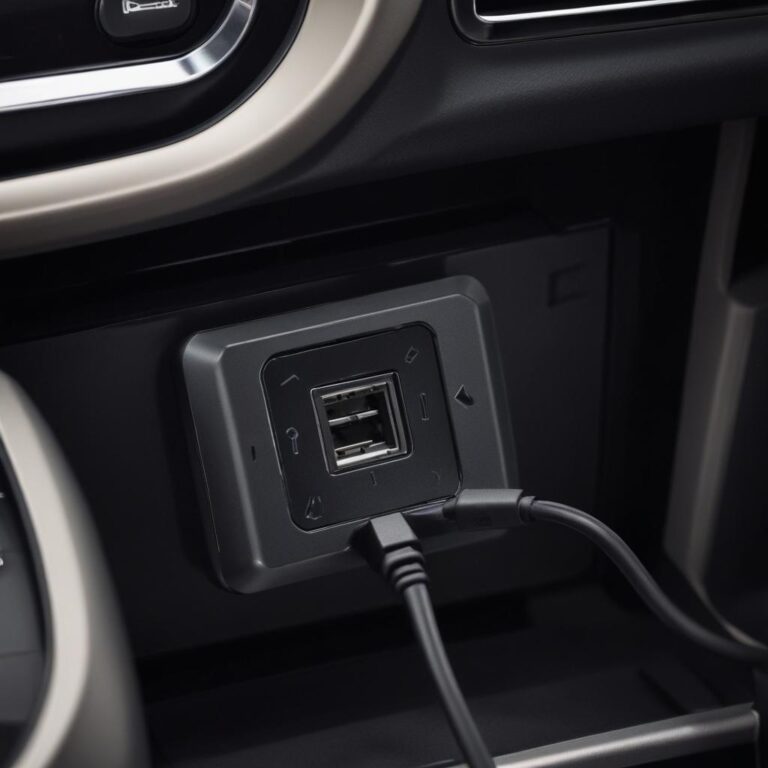
- Aftermarket accessories (cheap phone chargers, dash cams) sometimes crash SYNC. Unplug everything and retest.
So what actually happens when your Ford screen goes black — and is your car still safe to drive?
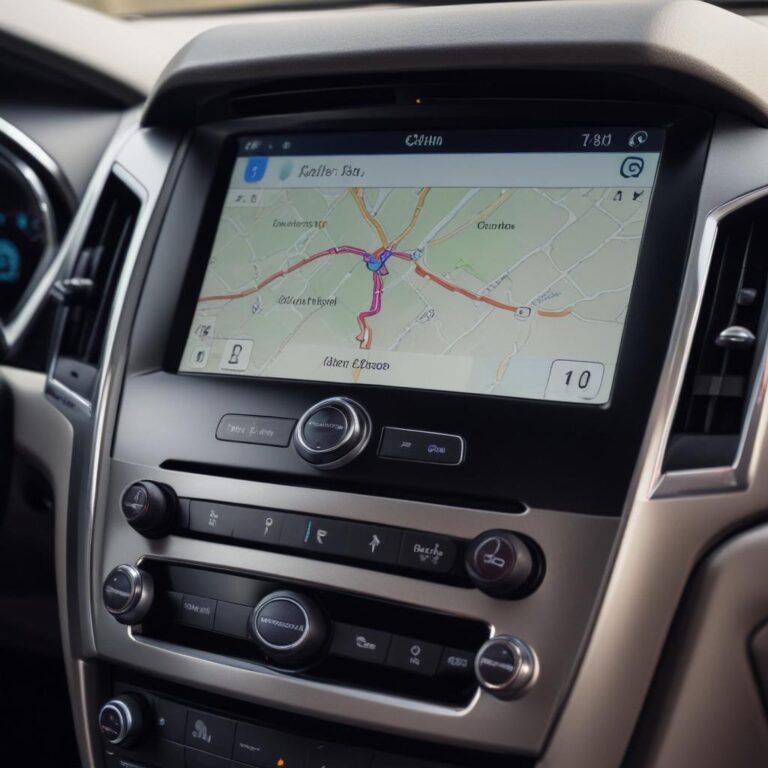
Here’s the simple truth. Your Ford has two separate screen systems. The center infotainment screen (radio, navigation, backup camera, CarPlay) runs on SYNC software. The digital instrument cluster (speedometer, fuel gauge, warning lights) is a completely different computer. When your center screen goes black, your gauges still work. Your car still drives. You just lose the fancy stuff.
Think of it like your home computer freezing. The hardware isn’t dead. The software just got confused. Maybe it tried to load too many things at once. Maybe a phone Bluetooth glitch crashed it. Maybe the cold made it boot slowly. A reset forces the system to wake up and try again. Most black screens are temporary glitches, not permanent failures.
Why Your Ford Dashboard Screen Blacked Out (The Real Reasons)
Let’s diagnose this like a tech person who also owns a truck. Simple stuff first.
1. The Two-Button Reset (The Magic Fix)
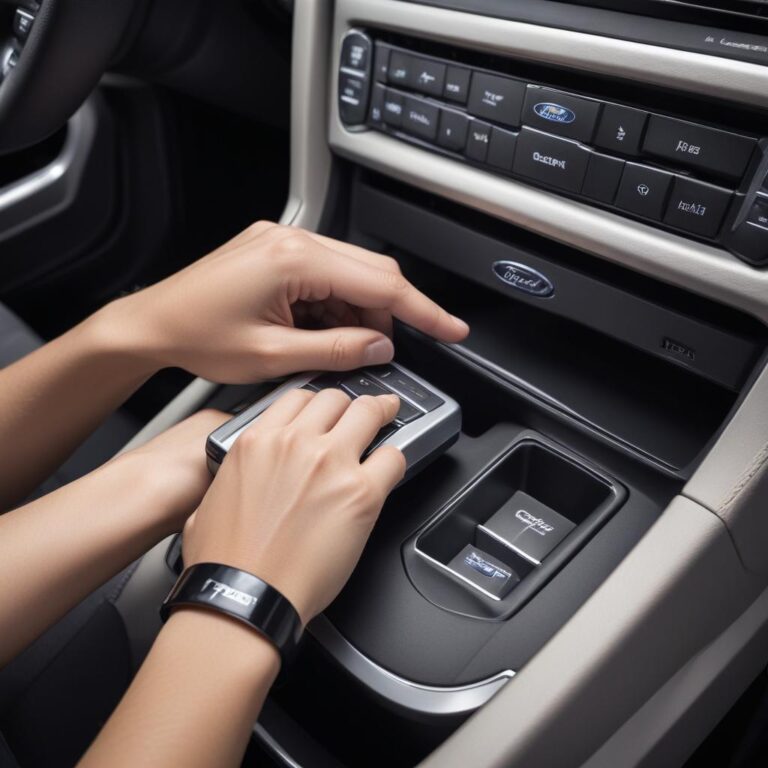
This works on every Ford with SYNC 3 or SYNC 4 from 2016 to 2025. Press and hold two buttons at the same time:
- Power button (the volume knob — push it straight in)
- Seek forward button (the >> button to the right of the knob)
Hold both for about ten seconds. Don’t let go early. The screen will go black. Keep holding. Eventually you’ll see the Ford logo appear. Let go. The system reboots fresh. This doesn’t erase your settings or paired phones. It’s just a restart, like rebooting a laptop.
2. The Dashboard Dimmer Wheel (Embarrassingly Common)
On the left side of your dashboard, near the headlight switch, there’s a little roller wheel. Sometimes it’s vertical, sometimes horizontal. That wheel controls the brightness of all your dashboard lights. If someone rolls it all the way down, your screens go completely black — even the digital gauge cluster. Roll it back up. I’ve seen people schedule dealership appointments for this. Don’t be that person.
3. Cold Weather Slow Boot (Patience Required)
Below freezing, electronics get sluggish. Your Ford’s screen might take two or three minutes to wake up on a 10°F morning. The screen stays black, then suddenly the Ford logo appears, then everything works. This is normal. If you start driving before it boots, sometimes it stays black longer. Wait two minutes before trying the reset.
4. Digital Gauge Cluster Blackout (Different Fix)
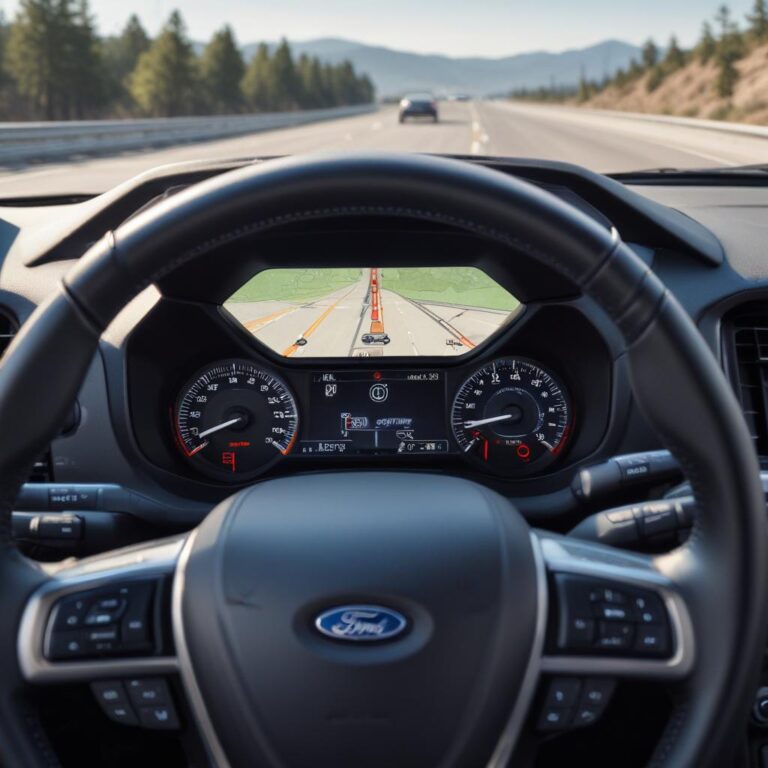
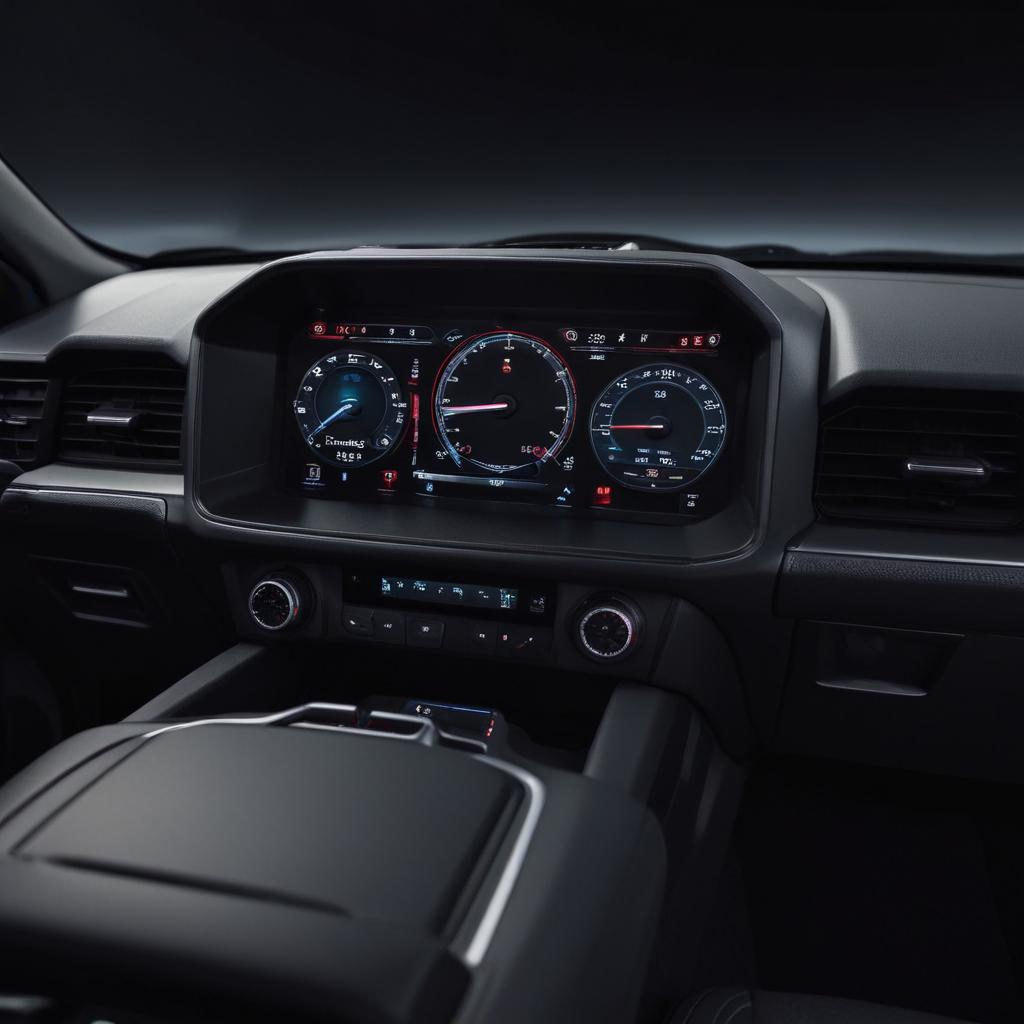
On newer F-150s (2021+), Mustang Mach-E, and Bronco with the full digital dash, the instrument cluster has its own reset. Hold the OK button on the right side of your steering wheel for about twenty seconds. The gauges will reboot. Your odometer and trip data stay saved. Don’t do this while driving at highway speed. Do it parked.
5. Failing APIM Module (The Expensive One)
The APIM (Accessory Protocol Interface Module) is the actual computer inside your dashboard that runs SYNC. When it starts failing, you’ll see random black screens, constant reboots, frozen CarPlay, or blue screens. The black screens might happen once a week, then once a day, then every time you drive. A failing APIM needs replacement. Cost: $400-800 for the part, plus programming. Some 2016-2018 F-150s had an extended warranty on this — check with Ford.
6. Blown Fuse for the Screen (Rare but Real)
Your center screen has its own fuse. On most Fords, it’s fuse #33 or #35 in the passenger kick panel or under the hood. Look for “APIM” or “DISPLAY” on the fuse diagram. If that fuse is blown, the screen stays dead no matter how many resets you try. Swap it with a same-amp spare and test.
7. Software Update Gone Wrong
If your screen went black right after a SYNC update, the update might have corrupted. This is fixable with a USB forced reinstall. You’ll need a 32GB USB drive, a computer, and about an hour. Download the SYNC software from Ford’s owner website. Follow the USB installation steps carefully. This usually brings a black screen back to life.
Real-World Impact: When a Black Screen Really Hurts
Imagine you’re backing your Ford Explorer out of a crowded grocery store parking lot. Kids are running behind you. You glance at the backup camera — black screen. You twist your neck like an owl, check your mirrors, and pray. That backup camera is a safety feature, not a convenience. When it’s gone, you realize how much you relied on it.
Picture a contractor driving a Ford Transit van. You’re between job sites. Your navigation screen goes black. You don’t know the area. You pull over, reboot, and lose fifteen minutes. Your next customer is waiting. That’s lost money over a simple software glitch.
Or think about a Ford Mustang Mach-E owner. The entire climate control lives on that center screen. When it goes black, you can’t adjust the heat. You can’t turn on the defroster. On a freezing night, your windows fog up. You’re wiping the windshield with a sleeve like it’s 1975. That’s not luxury. That’s a problem.
Ford Dashboard Screen Issue Comparison Table (By Symptom)
| Symptom | Most Likely Cause | Typical Fix | DIY Difficulty | Estimated Repair Cost |
|---|---|---|---|---|
| Screen completely black, no response | Software freeze | Two-button reset (Power + Seek) | Very Easy | $0 |
| Screen black, but radio plays | APIM failure or loose cable | APIM replacement or cable reseat | Medium-Hard | $400-800 |
| Screen black only in reverse | Backup camera or wiring failure | Check camera connector in tailgate | Medium | $150-400 |
| Screen flashes on and off randomly | Failing APIM or low battery voltage | Test battery first, then APIM | Easy (battery) to Hard (APIM) | $0-800 |
| Digital gauge cluster black | Dimmer wheel turned down | Roll dimmer wheel up | Very Easy | $0 |
| Screen works but CarPlay black | iPhone or Android software glitch | Reboot phone, then reboot SYNC | Very Easy | $0 |
| Screen black after update | Corrupted update file | USB forced reinstall | Medium | $0 (DIY) to $150 (dealer) |
Chart: Ford Screen Blackout Reports by Model Year (2016-2024)
This chart shows how often Ford owners report black screen issues. Notice the spike around 2016-2018 — that’s the early SYNC 3 years with APIM failures. Newer models are much more reliable.
Reported black screen incidents per 10,000 vehicles — based on Ford owner forum and service center data.
Step-by-Step: Fix Your Black Ford Screen in Minutes
Don’t panic. Don’t call the dealer yet. Do this in order.
Step 1 — Check the dimmer wheel. Look left of your steering wheel. Find the brightness roller. Roll it all the way up. I’m serious — do this first. You’d be shocked how many “broken screens” are just dimmer wheels.
Step 2 — Perform the two-button reset. Press and hold the power button (volume knob push) and the seek forward button (>>) at the same time. Count to fifteen slowly. Don’t let go early. The screen will go black. Keep holding. Eventually you’ll see the Ford logo. Once you see it, let go. Wait 30 seconds. Everything should come back.
Step 3 — Try the steering wheel reset (digital dash only). If your gauge cluster is black but the center screen works, hold the OK button on your steering wheel for twenty seconds. The gauges will reboot. Your speedometer might flicker. That’s normal.
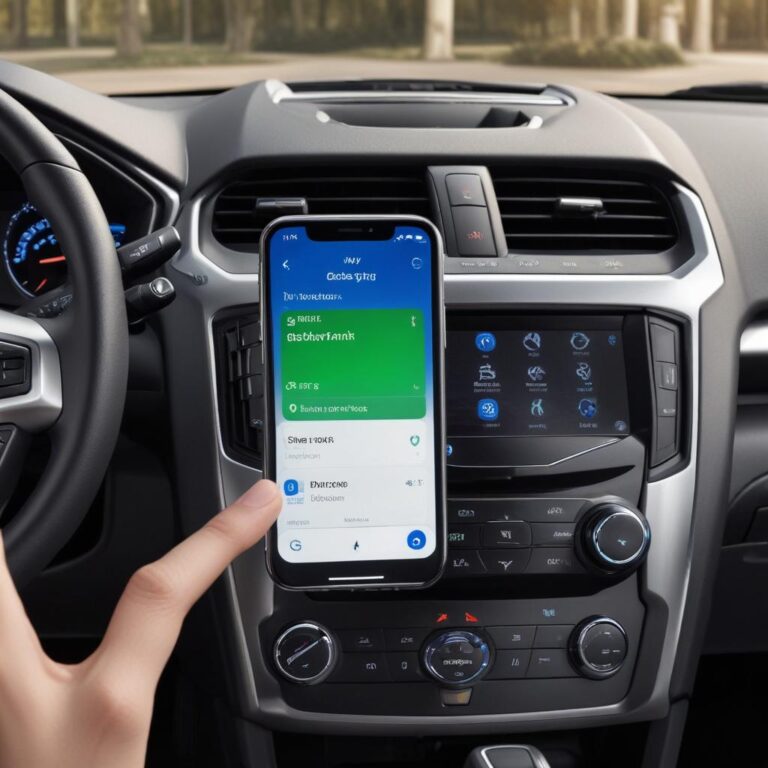
Step 4 — Disconnect your phone’s Bluetooth. Go into your phone settings and turn off Bluetooth. If the screen immediately wakes up, your phone caused the crash. Update your phone’s software, delete the Ford from Bluetooth, and re-pair fresh.
Step 5 — Unplug everything from USB ports. Cheap USB cables and phone chargers can send bad electrical signals into SYNC. Unplug everything. Then do the two-button reset again. If the screen comes back, throw away that cheap USB cable and buy an Apple or Anker certified one.
Step 6 — Check the fuse. Find your owner’s manual. Look for the fuse box diagram. Find the fuse labeled “APIM” or “DISPLAY” or “SYNC.” Pull it out. Is the metal strip inside broken? Replace it with the same amp rating. If the fuse is fine, put it back and move on.
Step 7 — Disconnect the car battery (last resort). If nothing else works, disconnect your negative battery terminal for ten minutes. This forces every computer in your Ford to completely power down and reboot. This will reset your radio presets, clock, and fuel economy history. Use a 10mm wrench. Wait ten full minutes. Reconnect. Start the car.
“Customers call me all the time saying their screen is dead. I ask two questions: ‘Did you try the two-button reset?’ and ‘Did someone mess with the dimmer wheel?’ Nine times out of ten, that’s it. The other one time, it’s a kids’ toy stuck in the USB port.” — Marcus, Ford mobile electronics installer, Florida
Ford Owner Tips: Keep Your Screens Healthy
- Update SYNC twice a year. New software versions fix black screen bugs. Do it manually with a USB drive for best results.
- Reboot once a month on purpose. Don’t wait for it to freeze. Do the two-button reset every few weeks as maintenance. Keeps the system fresh.
- Use quality phone cables. Cheap cables cause voltage fluctuations that crash SYNC. Spend $15 on a certified cable.
- Don’t leave USB drives plugged in. Some USB sticks draw power constantly and confuse SYNC. Remove them when not in use.
- Park in the shade on hot days. Direct summer sun on a black dashboard can overheat SYNC components. A windshield sun shade helps a lot.
Frequently Asked Questions (FAQ)
1. Can I still drive my Ford if the screen is black?
Yes, absolutely. Your car drives normally. The engine, transmission, brakes, lights, and signals all work. You just lose radio, navigation, backup camera, and climate control displays (on some models). Drive carefully, use your mirrors for backing up, and get it fixed when you can.
2. Will the two-button reset erase my saved addresses and radio presets?
No. That’s a common myth. The two-button reset is just a restart — like rebooting your phone. Your presets, paired phones, navigation favorites, and settings all stay saved. A master reset (from the settings menu) does erase everything. Don’t do that unless nothing else works.
3. How much does Ford charge to fix a black screen?
Diagnostic fee: $90-160. If it’s a simple reset, many dealers won’t charge you (but some will). If it needs an APIM replacement: $400-800 for the part, $150-250 for labor, plus programming. Total: $550-1,100. Try the free fixes first. Seriously.
4. My screen is black but the radio still plays. What does that mean?
That means your APIM is working (it’s playing audio) but the display circuit failed. On some Fords, the screen is a separate unit from the radio brain. You might have a loose ribbon cable inside the dashboard, or the screen itself died. Try the two-button reset anyway. Sometimes it fixes both.
5. Why does my Ford screen go black only when it’s hot outside?
Overheating. Direct sunlight on a black dashboard can push internal temperatures above 140°F. SYNC is designed to shut down the display to protect itself. Once the car cools down (AC running or shade), it should come back. A windshield sun shade is cheap insurance.
6. My backup camera works but the main screen is black. Is that weird?
That’s actually good news. If the camera image appears when you shift into reverse, your screen hardware is fine. The problem is SYNC software. The two-button reset will almost certainly fix this.
7. Can a dead car battery cause a black screen?
Yes. When your battery is dying, voltage drops during startup. SYNC needs stable voltage to boot properly. Low voltage can make the screen stay black even after the engine runs. If your battery is over four years old, have it tested. A new battery often fixes weird electrical gremlins.
What’s Your Next Move With a Black Ford Screen?
Start with the dimmer wheel. Then the two-button reset. Then unplug everything from USB ports. Those three steps take sixty seconds and fix almost every black screen I’ve ever seen. If you’re still staring at black glass after that, check the fuse. Then consider a battery disconnect. Then call the dealer.
“Never assume your screen is dead just because it’s black. Electronics freeze. It happens to every car brand. A simple reset is often all it needs. You wouldn’t throw away your laptop because it froze once — don’t panic about your Ford screen either.”
Here’s the bottom line. Your Ford is packed with computers. Sometimes they get confused. That doesn’t mean they’re broken. A ten-second button hold brings most black screens back to life. Try it before you spend a dime.
Has your Ford screen ever gone black at the worst possible moment? Did the two-button reset save you? Drop your year and model in the comments. And if this guide helped you avoid a dealership trip, let me know what finally worked.
References:
- Ford Official Support – SYNC Troubleshooting
- Consumer Reports – Frozen Car Screen Fixes
- NHTSA – Backup Camera Safety Information
- Ford Truck Enthusiasts – SYNC and Screen Problems
Which Ford model do you drive, and has your screen ever gone black at exactly the wrong moment? Share your story in the comments — and tell us if the two-button reset saved the day!